Getting Your XP600 Ink to Dry Fast (Without Burning Everything)
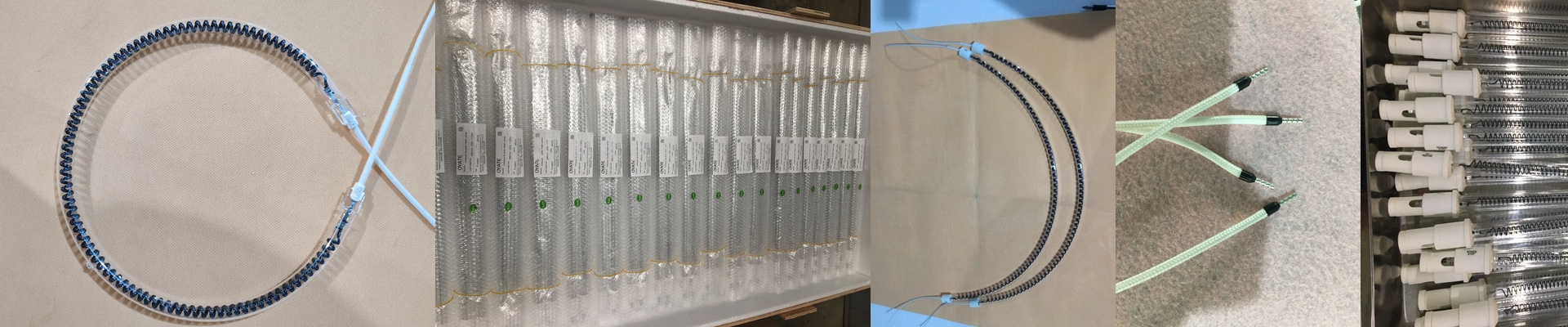
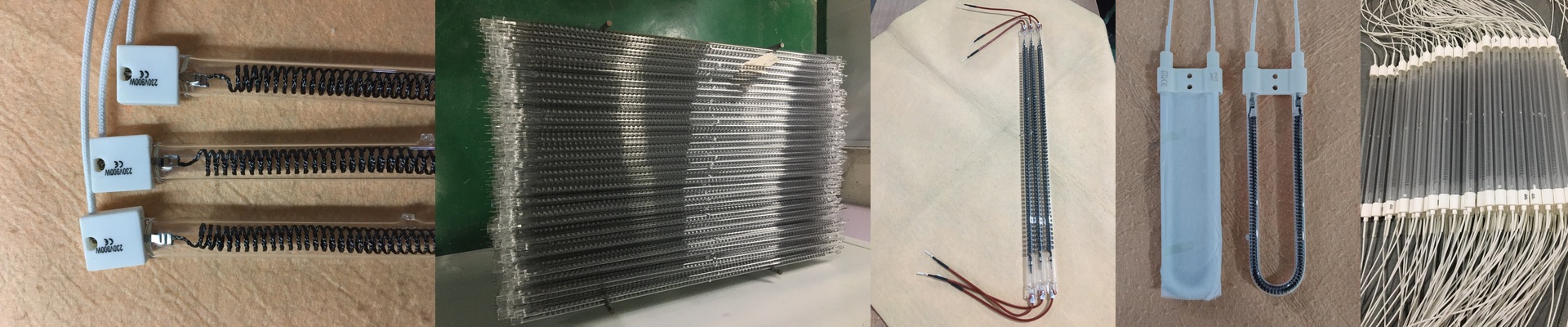
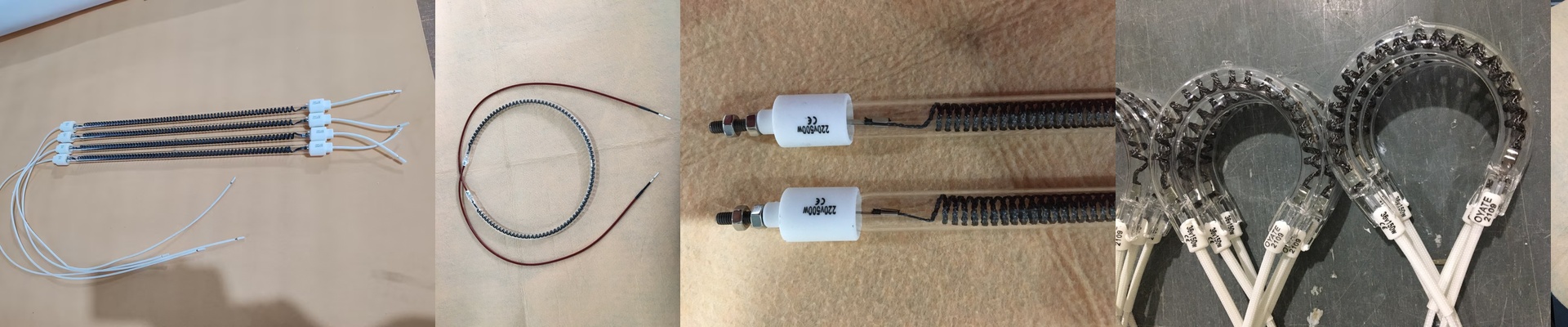
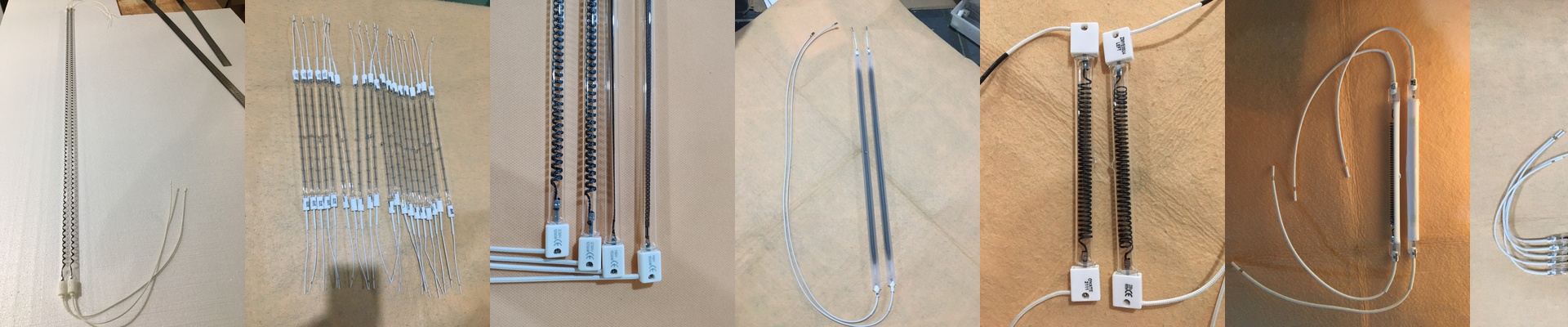
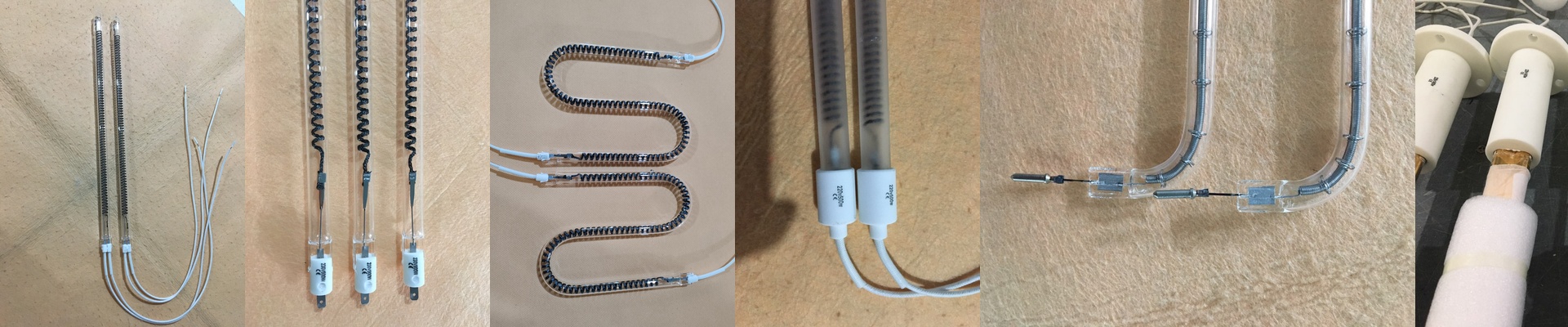
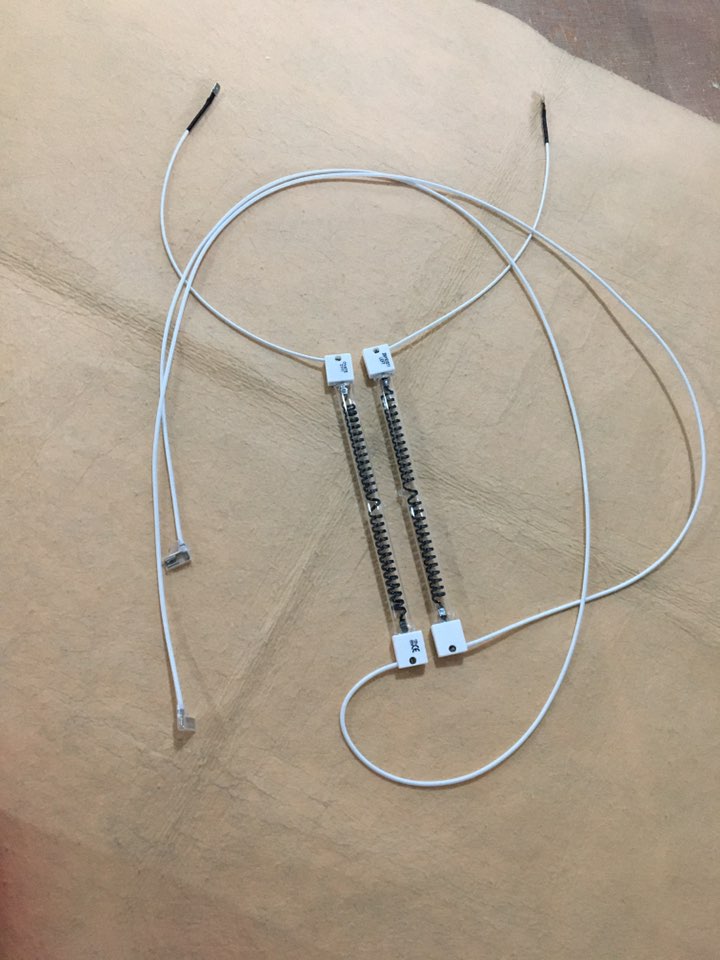
If you’re running an XP600, you know the struggle. You need that ink to dry now so you can keep your speed up, but you don’t want to torch your materials in the process. That’s why we went with carbon fiber for our infrared lamps. Instead of the usual quartz heaters, we use a carbon fiber filament tucked inside a quartz envelope. It changes how the heat hits the ink. It sinks deeper into the layers, drying them out quickly Without scorching the surface of whatever you’re printing on. Let’s talk power. To keep up with high-speed prints, you need a lot of heat in a very small spot. We’ve dialed these lamps to hit a high wattage-per-centimeter. It’s the only way to make the ink evaporate the second it hits the page. But here’s the catch: you have to be precise with your power supply. Match the voltage exactly. If you push too much power, you’ll fry the filament in a few days. Too little? You’re looking at wet prints and annoying smudges. The build quality Carbon fiber is just tougher. It handles the “shock” of heating up and cooling down way better than tungsten does. We also used reinforced quartz glass so the tubes don’t crack when you’re cycling the power on and off. Since XP600 curing stations are pretty cramped, we kept the dimensions tight so they actually fit. One quick tip: when you’re wiring them up, make sure those connectors are snug. A loose connection can cause an arc, and that’s a great way to melt your housing. A word of caution These lamps put out a massive amount of heat in a tiny space. Your chassis is going to soak that up fast. Don’t try to run these at 100% all the time unless you’ve got a solid cooling fan or a heat sink protecting your electronics. If the air isn’t moving, the heat can build up and actually warp your printhead carriage. Just keep an eye on your airflow. Balance the heat with a bit of a breeze, and you’ll keep everything running smooth.